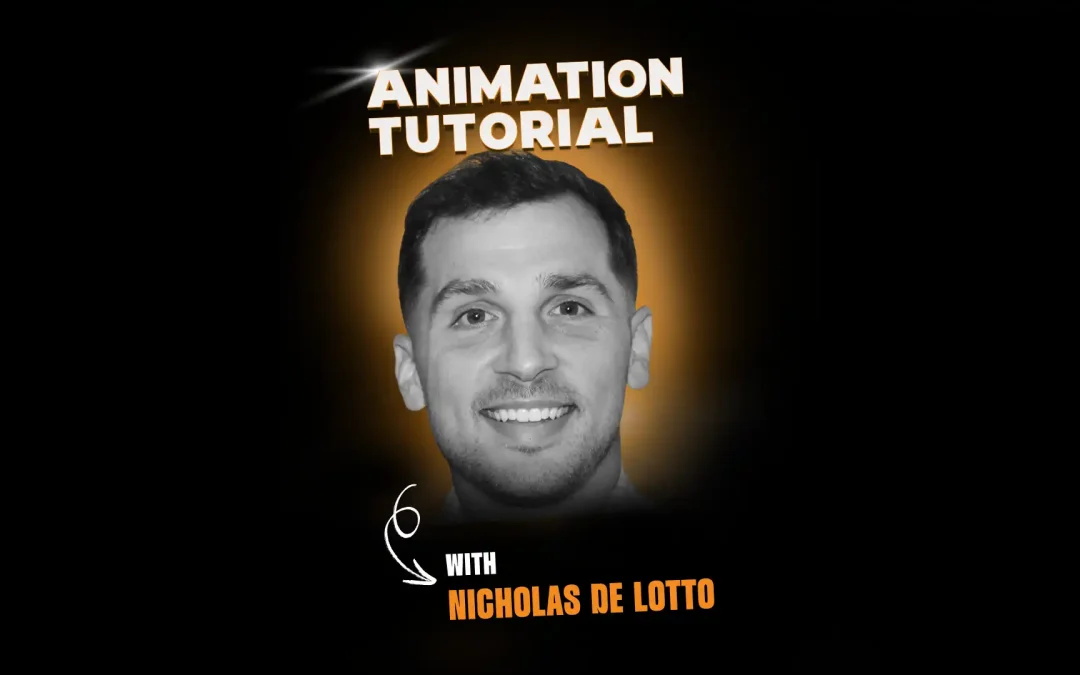

Nicholas De Lotto, an animator at DreamWorks Animation currently working on Shrek 5, walks through how he uses his own video reference to block out a shot. In this tutorial, Nick shows why shooting yourself acting out a scene removes a lot of the guesswork from animation, then breaks down a real shot from a piece of self-shot reference all the way through a Maya blocking pass.
Watch the full video above.
About Nicholas De Lotto
Nicholas De Lotto is an Animator at DreamWorks Animation. He started his animation journey in 2018 by attending Animation Mentor’s Character Animation Program and then started as an intern at Pixar where worked on Lightyear, Elemental, Inside Out 2, Elio and Toy Story 5. He has also worked on a few game titles, including Fortnite.
Reference Removes the Guesswork
Nick opens by saying that if you are not using video reference, you are doing yourself a disservice. He has not met an animator who skips it entirely, because without reference it is genuinely hard to guess what your own body would actually do in a pose.
Reference also gives shots a kind of nuance that is tough to invent from scratch. Filming yourself is a fast, iterative way to test ideas: set up a camera, act a few takes, and see immediately what reads and what does not, including whether a camera angle even works before you touch a rig.
Don’t Fear Rotoscoping
Nick admits the term “rotoscoping” scared him early in his career, since he worried copying reference too closely was some kind of shortcut he was not allowed to take. After six years in the industry, he says that fear was unfounded.
Once you start blocking off reference, timing almost always needs to shift. Some beats get faster, some get slower, and poses get pushed further than what was actually filmed. That constant rescaling makes true one-to-one rotoscoping nearly impossible in practice.
When You Can’t Film It
Sometimes the action is not something you can safely act out yourself. Nick describes animating a shot with Buzz Lightyear jumping off a table and into a front flip, something he obviously could not film himself from thirty feet up.
His workaround: he shot reference for the first part of the motion, the part he could physically perform, then treated the rest of the flip like a bouncing ball, thinking in terms of energy and timing rather than literal footage. He found the timing, added a few poses, and refined from there.
He also notes that leaning too hard on reference forever can box you in. At some point you need to let go of it and animate freely, which he says is a genuinely freeing feeling once you get there.
Setting Up Your Reference
Practical setup matters more than people expect. Nick used to keep his reference on a separate laptop screen, and found the footage would drift out of sync with his shot, which made everything harder.
His current fix is to lock a second camera and a reference plane together inside Maya so the reference lives in its own dedicated viewer, always in sync with the character and impossible to accidentally bump or move while working.
Finding the Right Keys
To decide where keys belong, Nick looks first at the extremes and the moments a body part changes direction. He usually starts with the root, since tracking the center of gravity shows him when the body’s overall direction is about to change.
Feet come next: any time a foot plants and takes weight, that is almost always a key. He warns that a shot usually needs more keys than beginners expect, recalling an early class assignment where he used only six keys total and it was nowhere near enough.
For animators just starting out, he recommends a stricter method: stamp a key every four frames and study exactly how the body moves in each increment. As you get faster, you can move to scanning for extremes instead, which is quicker but takes more practice to read accurately. Either way, he sticks to minimal controls at first, root, shoulders, arms, feet, head, neck, and torso, so a shot can get in front of a director or lead for approval quickly, before spending time on finer controls.
Breaking Down a Real Shot
For his demo, Nick used an old piece of reference of himself acting like a conductor, complete with waving arms, a weight shift, and a footstep. He plants a key on the last frame of a head turn, then a separate key where the arm hits its highest extreme.
He calls out a detail worth watching for: when the root and the arm hit their lowest point on the exact same frame, the motion reads as stiff and robotic. Offsetting those two beats slightly makes the body feel fleshy and organic instead.
He also keeps the graph editor open the entire time he works, since it is the fastest way to catch a curve rotating the wrong way before it becomes a bigger problem later in the shot. And he is careful never to “cheat” the camera on body mechanics, meaning if a pose leans up, the hips or chest need to counter that weight shift for real, even if a flattering camera angle would let you fake it.
Progress Over Perfection
Nick closes by reassuring newer animators that shots will not always come together the way you planned, and that is part of learning the craft rather than a sign you are failing at it. Every shot you finish, whether it turns out well or not, teaches you something for the next one.
Animators looking to build these body mechanics fundamentals from the ground up can start with Animation Mentor’s AN02 Body Mechanics course.
Keep an eye on our social media platforms for more tutorials, live workshops, and new courses.
Follow us: LinkedIn | Instagram | YouTube
Want to be mentored by professional animators? Nicholas got his start at Animation Mentor!
At the core of Animation Mentor are our 3D Character Animation and Game Animation programs. Follow your animation dreams by learning from animators at studios like Disney, DreamWorks, Pixar, ILM, Riot Games, Netflix, and Blizzard!