

Maya Animation Course
In this 6-week course for beginners, learn essential techniques for 3D animation in Autodesk Maya
Become a 3D Animator
Get your feet wet by learning animation basics in Autodesk Maya®, the most widely-used 3D animation software in the industry. We built our Maya Animation course for beginners who have a passion for animation, but zero experience. Start your journey to becoming a successful character animator by learning the techniques and tools that pro animators use to create iconic, animated characters.
1-on-1 Feedback from a Studio Pro
For six weeks you’ll have live, weekly Q&As with your mentor, in addition to receiving a recorded training video from a professional animator and an assignment designed to build your skills. Your mentor will review and critique each of your assignments and provide you with a video of their feedback so you can improve your work each week.

Get Access to Pro Rigs
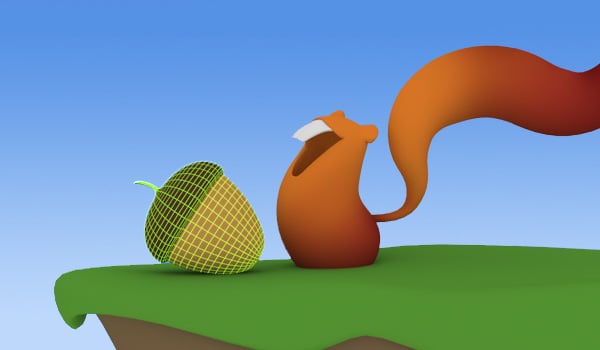
Gain access to professionally designed rigs like the classic bouncing ball, pendulum, Squirrels, and Stewart. After you finish the course you can keep them for your future projects.
What You’ll Learn in the Maya Animation Course
Week 1
Maya Overview
In this session we cover all the basics of Maya, getting you comfortable with the main aspects of the interface, navigating in 3D space, and working with basic objects.
Week 2
Introduction to Animation in Maya
In this session we dive into Maya’s animation toolset and interface. By the end of this session you will have a basic understanding of how to animate within Maya.
Week 3
Fundamental Concepts of Animation
Using the concepts, tools, and techniques from the previous two sessions, you’ll animate our Squirrels rig performing a bouncy jump.
Week 4
Character Animation in Maya I
This week we’ll look at more Maya tools as well as animation concepts, exploring full character posing with Stewart, our biped rig, and learning how to animate an appealing head turn.
Week 5
Character Animation in Maya II
Now we’re ready to cover more intermediate character animation topics within Maya. You’ll create an advanced animation shot using a mechanical robot arm. This will prepare you for the more complex animations later on.
Week 6
Character Animation in Maya III
In this session we review the key topics covered within this course, as well as more advanced character animation topics.
6-WEEK COURSE
$699 USD
Choose Your Mentor
Review available mentors and Q&A times. All Q&A times shown in Pacific time.
On-Going Rig Access

STEWART

SQUIRRELS
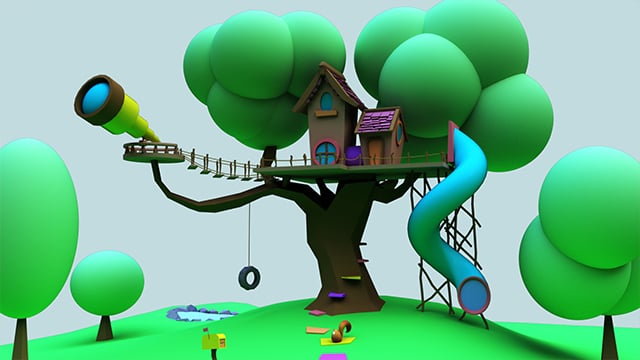
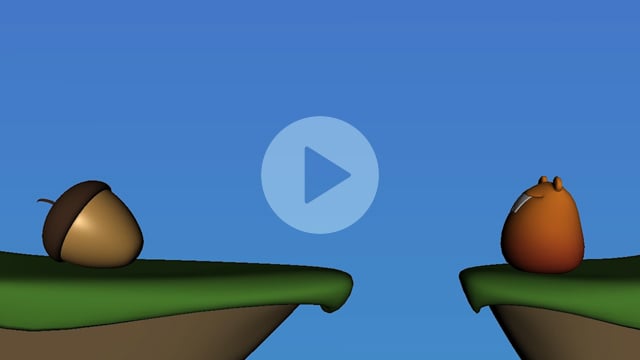
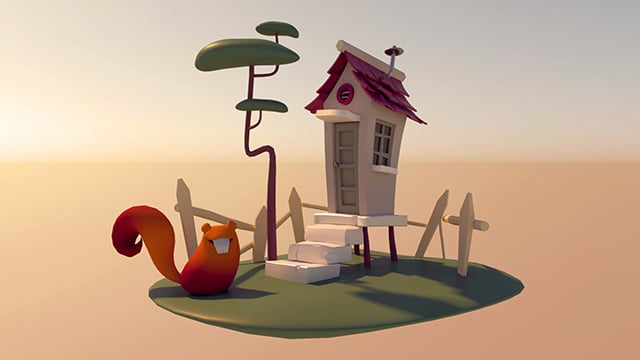
Maya Animation Course Student Gallery
student-example-image-oliver-benavidez
Oliver Benavidez
Ximo Ferrer
student-example-image-dani-shahfeh
Dani Shahfeh
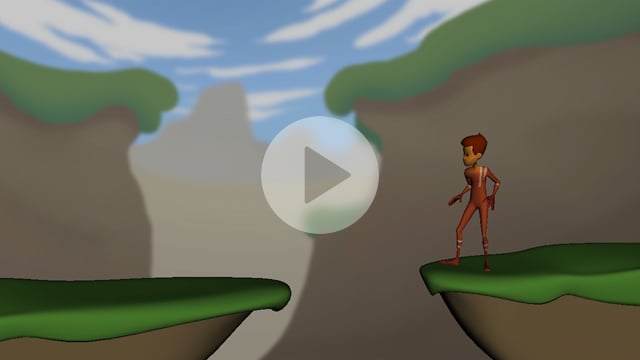
Ximo Ferrer
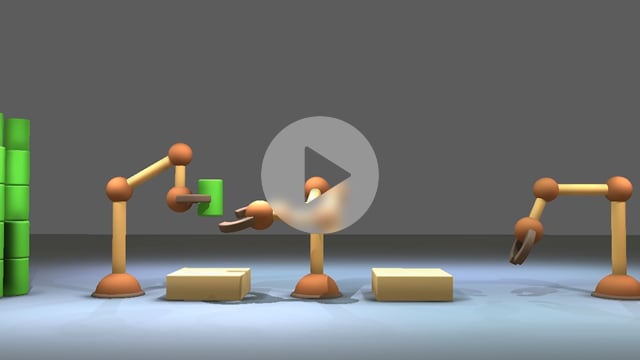
Kooper Hval
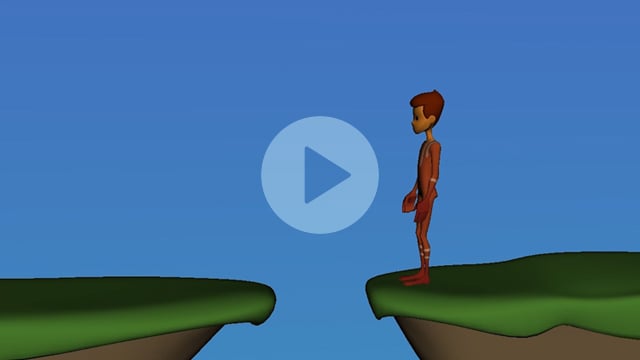
James Hammerstein
Course Requirements for the Maya Animation Course
Course Details
LIVE Q&As | Weekly 1-Hour Q&As
LECTURES | 6 Pre-recorded Lectures
ASSIGNMENTS | 5 Animation Exercises
SOFTWARE | Autodesk Maya
HARDWARE | Meet Minimum Requirements
AGE | 18 Years or Older
LANGUAGE | Taught in English
Skills You Need Before You Start
The Maya Animation course is not graded to help you feel comfortable learning the software at your own pace. There are no required skills to join, but we ask that you bring enthusiasm for animation and a desire to learn.
What You’ll Learn
This course will familiarize you with the basics of using Maya, including how to navigate the interface and 3D space, as well as the tools used for animation. After learning Maya, you’ll be so familiar with this fundamental software that you’ll be ready to jump right into learning character animation and game animation. After this course you’ll:
- Be comfortable with the Maya interface, allowing you to focus on animation without getting lost in the software
- Navigate the 3D viewport and move fluidly around your scene
- Understand workflows and keyboard shortcuts to allow you to work faster and more efficiently
- Have a basic understanding of how to animate 3D characters in Maya
- Be able to model basic polygons, so that you can can create and populate your scenes with set pieces and props
FAQ for the Maya Animation Course
Will I learn how to render an animation in Maya?
Yes, you’ll learn how to render your animation assignments so you can submit them for review. You’ll also master the basics of the Maya interface by creating simple prop models and you’ll learn how to use the graph editor to animate characters.
Will I learn how to export animation in Maya?
Yes, you learn how to export a quick “playblast,” a video file of your animation for review.
Does the course cover how to bake an animation in Maya?
No. This course covers how the graph editor works and how to use rig controls to create basic animation.
Why is Maya the most commonly used software by professionals?
Maya is considered the industry standard for professional animation because it’s powerful and high-quality. Most small and mid-sized studios use Maya. Some large studios use Maya, however, some major studios create their own proprietary animation software systems and production pipeline. If you have mastered Maya, you will easily be able to master these proprietary software, as most of them work in a similar way.
What Maya Animation Students are Saying

No Prior Maya Experience
As someone with no prior experience with Maya or animation, the course was very very insightful in learning how to animate using the software! My mentor was very informative and gave great feedback on what to focus on in my assignments and was helpful in preparing for the Character Animation Courses.
Set Up for Success
Honestly my mentor was my favorite part. He took the time to really get us submerged into the animation culture and set us up for success. Our classes were also so informative and full of great tips and information.
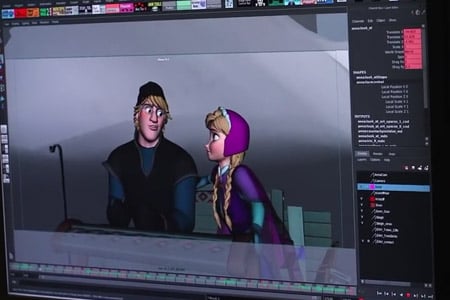
Never Felt Lost, Pace Was Perfect
Coming from absolutely NO experience with 3D programs or animation, I felt that I was able to follow along easily, and the pace of the course was perfect. It never pushed too far or felt like I was lost. Also, getting to talk with and critiqued by a real pro animator was the most helpful!
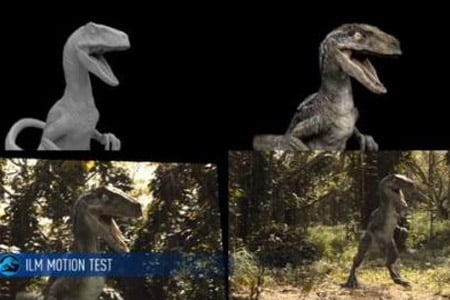
Good Overview of 3D
The course itself gave me (someone who had no experience with 3D anything) a very good overview and our mentor made my experience incredibly memorable because you could tell they loved their job, and wanted us to succeed.

Inspiration to Keep Going
The lessons were in depth and the questions were always answered in a very understanding way. I thought it was very helpful and a great inspiration to keep going.
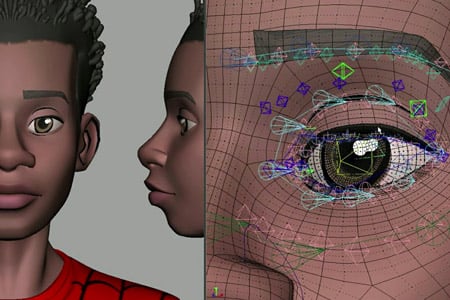
Exceeded Expectations
This course exceeded my expectations. My mentor was amazing and I would’ve loved to keep learning from them. I made some cool friends and learned a lot more that I thought I would, not only about Maya but the animation industry.
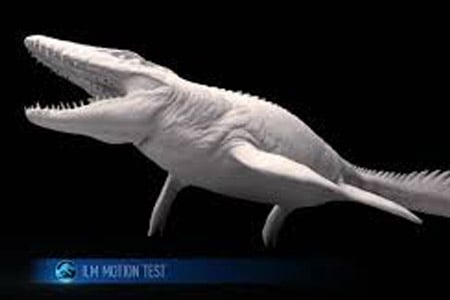
Figure Out If Animation is For Me
This was exactly what I hoped for. I signed up to become confident in Maya and also to figure out if animation was for me, and the course helped me achieve both of these things.
No Prior Maya Experience
As someone with no prior experience with Maya or animation, the course was very very insightful in learning how to animate using the software! My mentor was very informative and gave great feedback on what to focus on in my assignments and was helpful in preparing for the Character Animation Courses.
Set Up for Success
Honestly my mentor was my favorite part. He took the time to really get us submerged into the animation culture and set us up for success. Our classes were also so informative and full of great tips and information.
Never Felt Lost, Pace Was Perfect
Coming from absolutely NO experience with 3D programs or animation, I felt that I was able to follow along easily, and the pace of the course was perfect. It never pushed too far or felt like I was lost. Also, getting to talk with and critiqued by a real pro animator was the most helpful!
Good Overview of 3D
The course itself gave me (someone who had no experience with 3D anything) a very good overview and our mentor made my experience incredibly memorable because you could tell they loved their job, and wanted us to succeed.
Inspiration to Keep Going
The lessons were in depth and the questions were always answered in a very understanding way. I thought it was very helpful and a great inspiration to keep going.
Exceeded Expectations
This course exceeded my expectations. My mentor was amazing and I would’ve loved to keep learning from them. I made some cool friends and learned a lot more that I thought I would, not only about Maya but the animation industry.
Figure Out If Animation is For Me
This was exactly what I hoped for. I signed up to become confident in Maya and also to figure out if animation was for me, and the course helped me achieve both of these things.
Related Courses
If you’re interested in Maya animation, we think you’ll love this course!
Animation
Basics
12-Week Course
Begin your character animation journey and master the basics.