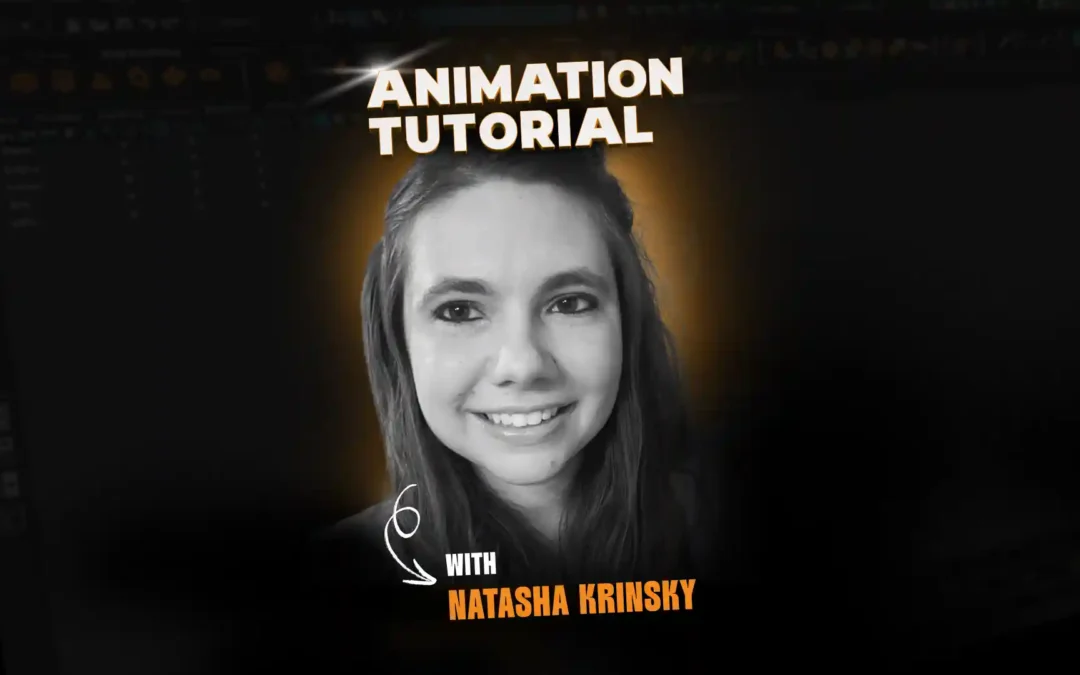

Animating a character tossing an object combines solid posing, clean constraints, and attention to hand interaction. In this tutorial, Natasha from Animation Mentor’s Game Animation Program walks through a Maya demo showing how to make a character believably grip and toss a ball, focusing on workflow that is both simple and effective.
Meet Natasha Krinsky
With experience on major game titles like Life is Strange, Madden, and Clockwork Revolution, Natasha brings a wealth of industry knowledge to her students at Animation Mentor. Her focus: helping animators master the art of nuanced, emotional performances. She mentors students in the Game Animation Program.
You can learn more about Natasha here.
Set Up the Toss and Hand Pose
Natasha begins by placing a ball in the character’s hand, carefully posing each finger and thumb for a believable grip. She wraps fingers around the ball so there’s slight spacing and real contact, avoiding excessive clipping for a natural look.
Build a Simple Constraint
The next step is to make the ball follow the character’s hand. Natasha chooses a basic parent-child constraint in Maya:
- The wrist controls become the parent, the ball is set as the child.
- This ensures the ball stays with the hand as the character moves and acts.
For short tosses, this basic constraint is often all you need. More complex throws (with longer interactions or props changing hands) may call for more advanced rig tools, but here simplicity works.
Timing the Toss and Breaking the Constraint
Natasha sets keys for the throw in the timeline. She identifies the exact frame where the character lets go of the ball and uses Maya’s blend parent attribute:
- Keep the constraint active up to the frame before release (blend parent = 1).
- On the release frame, switch it off (blend parent = 0), allowing the ball to move independently.
She animates the ball’s path after release, so it follows a believable arc and doesn’t just freeze in midair.
Polish Grip and Motion Trails
To maintain a good silhouette, Natasha keys the hand and finger poses up until the ball is released. She scrubs through the action and tweaks finger bends and wrist orientation for clean, appealing shapes at key frames.
Natasha checks the motion trail of the wrist and ball, making small adjustments to keep the movement flowing naturally and to avoid pops or awkward breaks.
Final Cleanup and Recommendations
After finalizing the throw, Natasha recommends reviewing the entire sequence for natural movement, clean silhouettes, and clear contact. For students interested in advancing further, she suggests courses in advanced body mechanics and feature or game animation at Animation Mentor.
Want to be mentored by professional animators like Natasha?
At the core of Animation Mentor are our 3D Character Animation and Game Animation programs. Follow your animation dreams by learning from animators at studios like Disney, DreamWorks, Pixar, ILM, Riot Games, Netflix, and Blizzard!
Keep an eye on our social media platforms for more tutorials, live workshops, and new courses.