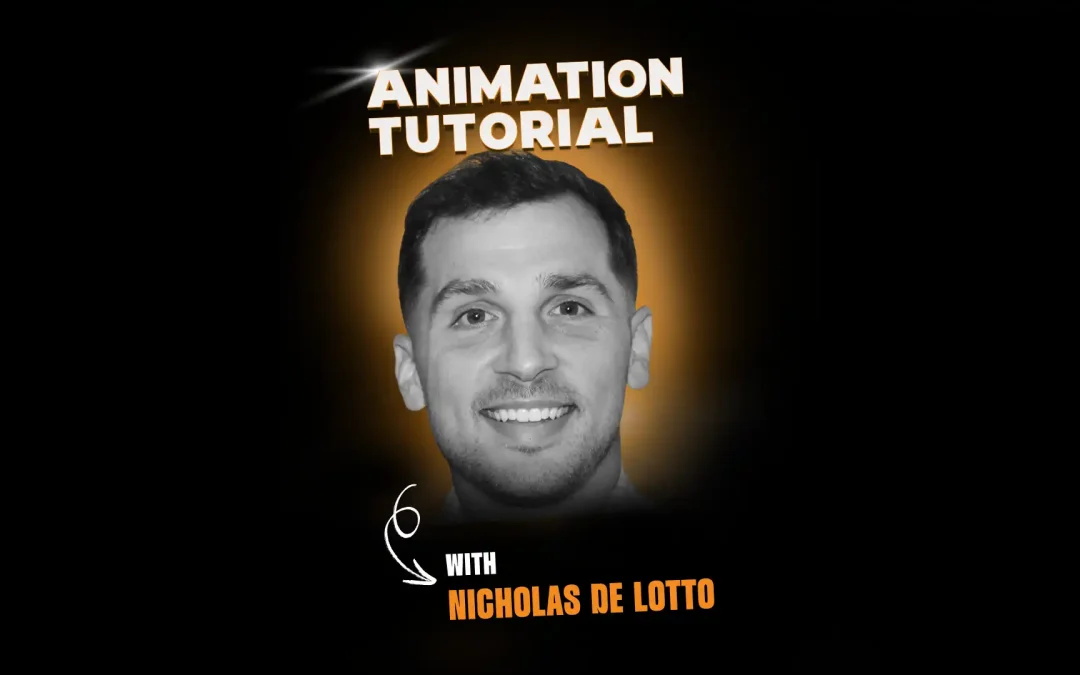
In this tutorial, Animation Mentor alum and Pixar animator Nicholas De Lotto shows how to animate environmental destruction at a manageable, shot-friendly scale. He focuses on debris, props, and lifeless objects, using bouncing ball fundamentals to create believable chaos without relying on full-blown simulations.
Watch the full video above.
About Nicholas De Lotto
Nicholas De Lotto is an Animator at Pixar Animation Studios. He started his animation journey in 2018 by attending Animation Mentor’s Character Animation Program. At Pixar he has worked on Lightyear, Elemental, Inside Out 2, Elio and Toy Story 5. He has also worked on a few game titles, including Fortnite.
Why Environmental Destruction Matters
Nicholas starts by reframing “environmental destruction” away from giant Battlefield-style building collapses and toward smaller, animator-driven interactions. He focuses on props, debris, and non-living objects that get tossed, shattered, or knocked around in feature shots and game-style moments.
He shares examples from Inside Out 2, including collapsing sarcasm structures and a frenetic pillow fight sequence filled with flying pillows, falling cards, and scattered drawing tools. These shots required him to animate props and chaos that supported the acting, rather than overwhelming it, which is exactly the scale this exercise targets.
Bouncing Ball as the Core Foundation
Before diving into debris, Nicholas stresses that you should feel comfortable with basic, light, and heavy bouncing ball assignments. Almost every destruction piece he animates is treated as a specialized bouncing ball, whether it is a tiny shard or a heavy slab of concrete.
He recommends starting with just one or two channels, typically vertical translation and forward translation, to find the overall energy and timing of each object’s motion. Once those curves feel right, you can layer in side-to-side movement and rotations to differentiate weight and personality.
Planning the Exercise and Keeping It Fun
Nicholas describes this as an ideal “just animate” exercise when you do not want to shoot reference or set up a complex performance. Because you are moving simple shapes with limited controls, you can jump straight into Maya and start experimenting with motion.
He builds a small modeled house with color-coded debris: big blocks, medium pieces, poles, a small awning, and an antenna. A ball slams into the structure, sending different pieces flying, falling, and colliding. The goal is not simulation-level realism but finding clear, readable energy and weight through hand-keyed animation.
Animating Light and Heavy Debris
For small, light chunks, Nicholas uses more rotations, quicker hops, and varied timing to make them feel energetic and sporadic. He shows a teal fragment that gets blasted downward, then bounces in an irregular rhythm, with translation curves that are not perfectly even so the motion feels organic rather than mechanical.
For heavier pieces, he favors fewer rotations, longer fall times, and faster settling. A large orange block, for example, falls, interacts with an awning and pole, then flattens the pole as it comes to rest, with sharp spacing on impact and a limited, deliberate slide before it stops. Timing and spacing, rather than complexity of controls, carry the sense of mass.
Working Without Ease and With Sharp Spacing
Nicholas points out that most inanimate debris should not “ease in” like a character bracing for a fall. Instead, he often converts curves to more linear behavior around impacts so objects hit hard, bounce, and lose energy quickly.
He spends time in the graph editor to remove unwanted easing, sharpen spacing near contacts, and avoid mushy or swimmy motion. Heavy objects still need strong spacing changes at key moments, even if their overall movement is slower, to keep the animation from feeling soft.
Embracing Reactive, Iterative Animation
Rather than locking everything in with reference first, Nicholas treats this as a reactive exercise. He animates one piece, sees where it intersects or collides with another, then uses that “happy accident” as a prompt to animate the second piece’s reaction.
This approach mirrors how real chaos behaves and helps shots feel tactile and connected. He is comfortable adjusting timing on the fly, adding new keys as needed, and trusting his instincts about what four, six, or eight frames of travel feel like for a specific object and weight.
Copying, Offsetting, and Varying Debris
Once one piece of debris is working well, Nicholas shows how efficient it is to reuse that work. He copies the animation curves to other similar objects, then tweaks timing, flips translation directions, or scales the Y motion to create variation without starting from scratch.
By doing this across many small pieces, you can quickly build the feeling of an explosion or collapse, with multiple fragments sharing a consistent sense of physics but still reading as unique. This is especially useful in crowd-like destruction where you are not focused on individual chunks.
Trusting Your Eye Beyond Reference
Nicholas explains that exercises like this are also training for situations where traditional reference is hard or impossible, such as animating lamps, fantasy props, or chunks of environment. He shares how animating the Luxo lamp during his Pixar internship pushed him to rely on his sense of timing and bouncing-ball experience rather than literal video reference.
He encourages students who feel overly dependent on reference to use environmental destruction as a way to rebuild confidence in their own timing and spacing judgment, applying what they have learned in Animation Mentor classes directly in Maya.
By the end of the tutorial, the small house rig is breaking apart in a way that feels chaotic but grounded, with light and heavy debris behaving distinctly and interacting in believable ways. Nicholas frames this as a flexible assignment you can revisit at any stage, both to practice fundamentals and to add production-style flavor to character shots.
Keep an eye on our social media platforms for more tutorials, live workshops, and new courses.
Follow us: LinkedIn | Instagram | YouTube
Want to be mentored by professional animators? Nicholas got his start at Animation Mentor!
At the core of Animation Mentor are our 3D Character Animation and Game Animation programs. Follow your animation dreams by learning from animators at studios like Disney, DreamWorks, Pixar, ILM, Riot Games, Netflix, and Blizzard!