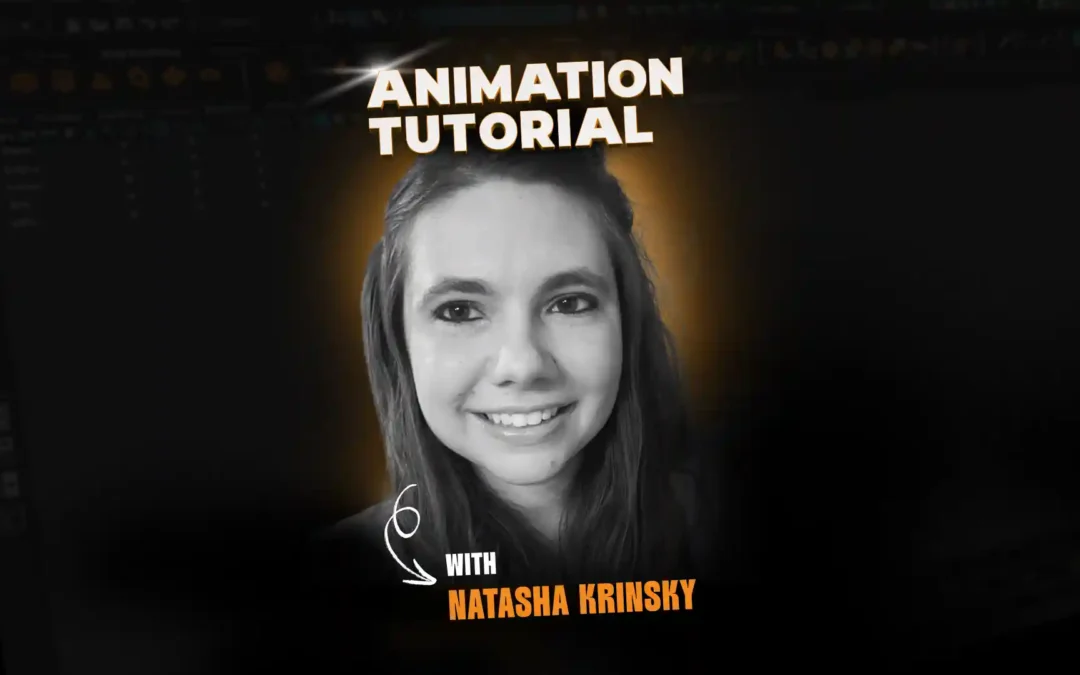
In this tutorial, Animation Mentor mentor Natasha Krinsky walks through how to animate sword fights and battle sequences that feel heavy, dangerous, and grounded instead of floaty or weightless. She focuses on planning, weapon choice, timing, and interaction so your characters look like they are hitting real objects, not passing through butter.
Meet Natasha Krinsky
With experience on major game titles like Life is Strange, Madden, and Clockwork Revolution, Natasha brings a wealth of industry knowledge to her students at Animation Mentor. Her focus: helping animators master the art of nuanced, emotional performances. She mentors students in the Game Animation Program.
You can learn more about Natasha here.
Thinking Like a Combat Animator
Natasha opens by framing sword fights as some of the most complex shots animators tackle, especially in game animation where combat appears both in gameplay and cinematics. She explains that in the Animation Mentor Game Animation Program, students often choose combat interactions for advanced assignments, which makes understanding these principles essential.
She emphasizes the importance of context, asking animators to think about what weapon is being used, who is wielding it, and how heavy it should feel in the world of the game. Choices like whether a weapon is grounded and realistic or exaggerated and oversized will drive all decisions about timing, spacing, and posing.
Studying Student Examples of Combat
Natasha then reviews multiple student shots from the games courses using characters like Greystone, Grooks/Grux, and Sparrow to show different types of combat interactions. In one sword kill example, she highlights how well the animator sells the feeling of Greystone hitting another body rather than a hollow 3D rig, with contact that reads as flesh and bone.
She also shows a bow and arrow sequence where Sparrow first stabs with the arrow before firing a kill shot, and notes how varied actions and smart camera work keep the battle interesting. Throughout, Natasha points out details like slow-motion accents, facial acting, and camera cuts between gameplay-like third-person framing and cinematic views to unify combat and storytelling.
Making Stabs and Hits Feel Real
One of Natasha’s core points is that stabbing and slashing should never feel like sliding a blade through butter. She explains that a believable stab accelerates quickly until the weapon meets resistance, then slows as it pushes through flesh, muscle, and bone, and again fights resistance on the way out.
In student work she showcases, the sword drags slightly as it enters and exits the character, with adjusted spacing so the audience can feel the weapon cutting into the character. She also notes how hits with heavy weapons like hammers must convey mass, showing shields bending, bodies reacting, and strikes stopping at the skull or spine instead of passing straight through.
Planning Reference and Weapon Weight
Natasha spends time on how to choose and shoot reference for combat. She recommends selecting real-world props, or objects of similar weight, so your body mechanics in reference match the implied mass of the in-game weapon, whether it is a realistic 5-pound sword or a huge fantasy greatsword.
She studies reference of people sparring with wooden swords and encourages animators to analyze line of action, footwork, and balance. Drawing over poses helps identify strong silhouettes and clear body lines, which can then be pushed further in animation while staying grounded in believable motion.
Blocking and Timing a Sword Duel
After planning, Natasha demonstrates how she blocks a duel between Jules and Greystone using game rigs. She starts by matching the spacing and timing closely to her video reference so the initial blocking captures the key beats and interaction between the two characters.
In her first splined pass, she shows that this one-to-one timing feels too slow on screen, especially at key moments like sword clashes, slices, and the opponent’s fall. Natasha then retimes the action to feel snappier, tightening contacts and exits so hits read as powerful and dangerous instead of sluggish.
Adjusting Spacing for Resistance and Snap
Natasha explains how spacing changes are the main tool for selling resistance in a cut. She slows the blade as it travels through Greystone’s hip, then accelerates it sharply as it exits to suggest the weapon is fighting against flesh before breaking free.
She also adjusts Greystone’s reaction so he stumbles and trips in a way that supports the impact from Jules’ sword, reinforcing cause and effect. For heavier weapons like Greystone’s own oversized blade, she adds extra drag and delay compared to lighter swords, aligning the animation with the implied mass of the design.
Managing Clipping, Contact, and Polish
As the shot becomes more detailed, Natasha addresses one of the hardest parts of interactions: avoiding clipping between characters and weapons. She calls out examples where hands pass through bodies or props and demonstrates using careful posing, motion trails, and camera choices to hide or remove intersections.
She also shows iterative polish, tweaking elbows that feel strained, hand poses that read awkwardly, and contact points where the grip on the sword slips. Natasha notes that interactions can be polished for days and encourages animators to expect significant iteration when two characters, props, and acting all interact in close quarters.
Bringing It Into Game-Focused Work
Throughout the tutorial, Natasha ties these examples back to game production, including using Unreal Engine to present work and combining gameplay-style thirds-person cameras with cinematic shots. She encourages animators to study game animations for inspiration while avoiding direct copying, especially when learning how other teams handle slicing, impacts, and hit reactions.
She closes by reminding students that complex battle scenes and sword fights are advanced exercises, best tackled after a solid foundation in body mechanics and acting. For those ready to dive in, she recommends exploring Animation Mentor’s game animation courses to practice these interactions within a structured, game-focused curriculum.
Want to be mentored by professional animators like Natasha?
At the core of Animation Mentor are our 3D Character Animation and Game Animation programs. Follow your animation dreams by learning from animators at studios like Disney, DreamWorks, Pixar, ILM, Riot Games, Netflix, and Blizzard!